Learn by watching
Video Library
Short videos that show someone really using each tool, from the first tap to a finished result. Every video has captions and written steps you can tap to jump to.
Not sure where to start?
Answer a few plain questions and Guide Me suggests the right tools, guides and videos for your goal.
Start With Guidance Ask the AI GuideYou've watched 0 of 19 videos.
Progress is remembered on this device. Sign in to keep it in your account.
Getting Started
Guide Me: start an online candle business
Type your goal in your own words, such as selling homemade candles online, and answer one question at a time. You get a four-step plan with guides, a ready question for Investigate, a link to the free Profit Planner and the tools to try next, plus a free starter kit to copy or download.
1 min 30 s
Research & Decide
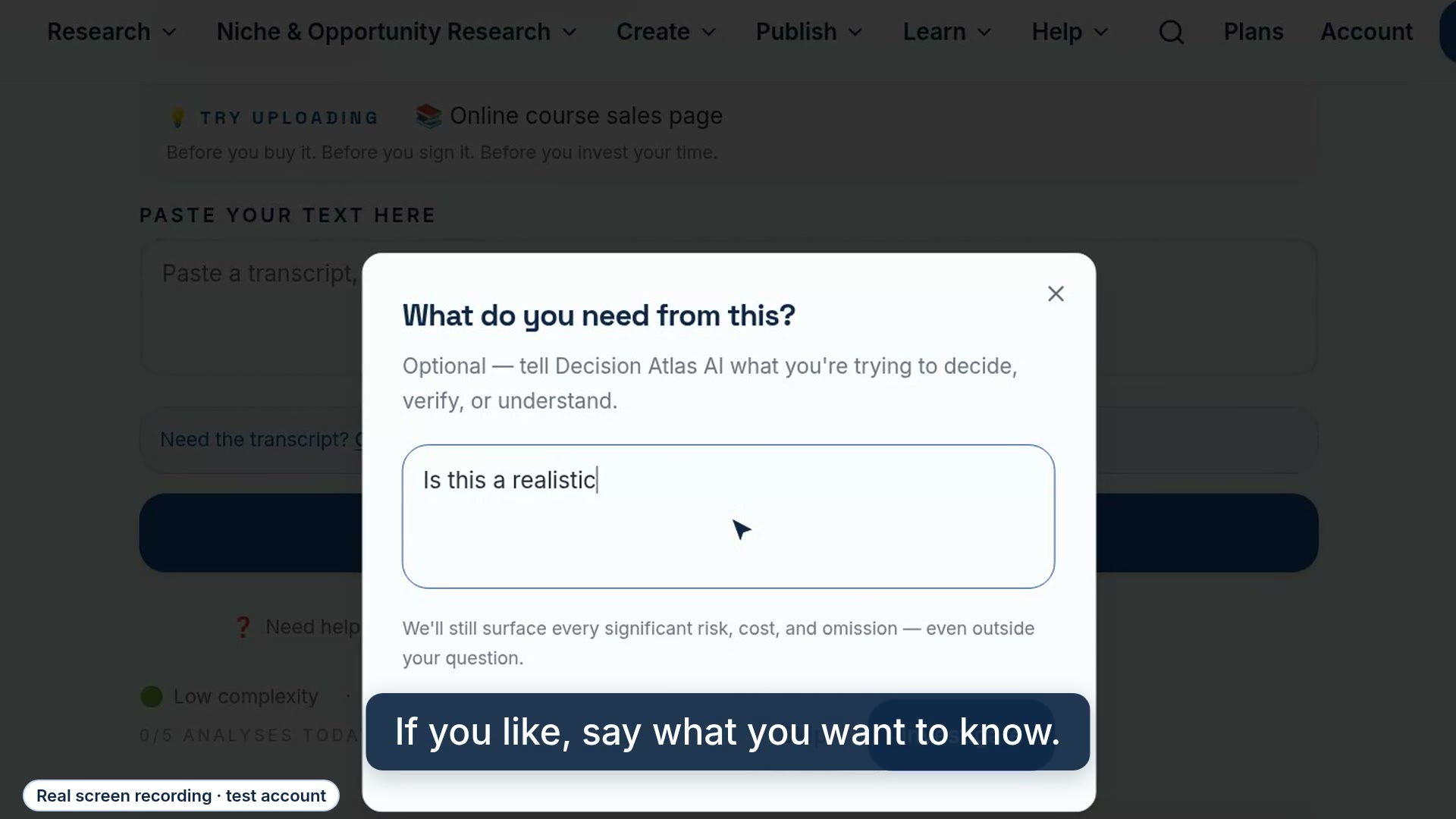
Investigate Something walkthrough
Paste a link and ask your question. The report gives a clear recommendation, key findings with timestamps, and one practical next step.
1 min 5 s
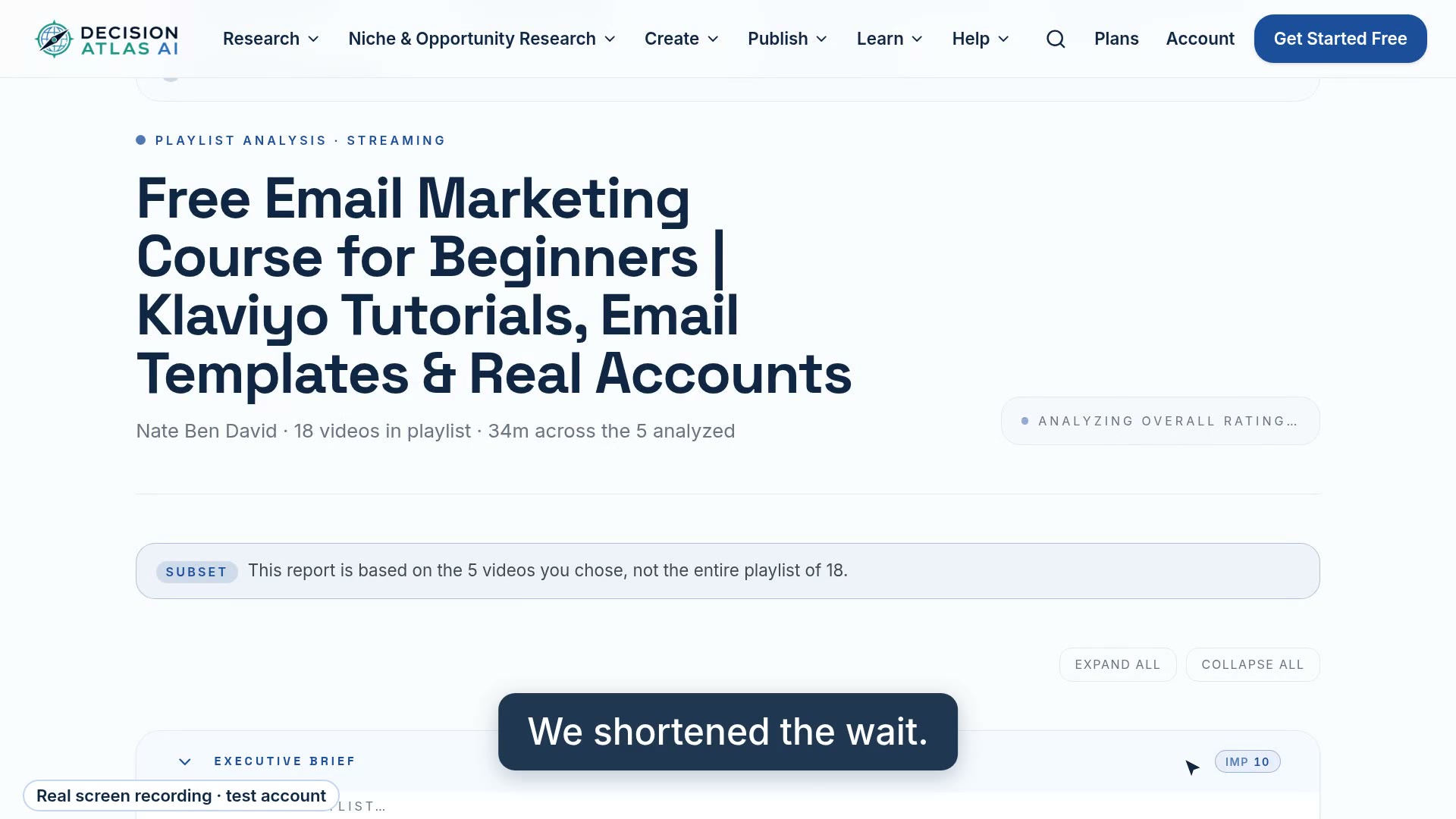
Playlist Analysis walkthrough
Paste a YouTube playlist or course link and pick up to five videos. The report gives an overall verdict and rates each video, such as must watch or recommended, with a one-line takeaway.
1 min 7 s
Guided Analysis: an email-marketing checklist
Answer five short questions: your topic, your level, your goal, your tightest limit and the link you plan to check. You get a checklist for your situation, then one tap opens Investigate with your link filled in. Free, no AI.
54 s
Saved Investigations: keep a YouTube report
Investigate a YouTube video, read the report, then tap Save investigation. Your saved reports are listed under Saved Investigations, only you can see them, and opening one again is free.
50 s
Investigate: check a candle supply shop's website
Paste a shop's website link, say what you need to know, such as whether it's a good place to buy your first supplies, and read a short report: the bottom line, key takeaways, what the page leaves out and your next step. Tap Save investigation to keep it. A free account includes 5 investigations a day.
1 min
Ask a question: is a small hydroponic business realistic?
Type your question in plain words. If it is broad, you answer a few quick questions first so the answer fits your situation. You get a clear answer, the evidence behind it and what to check next, and you can save it.
1 min 13 s
Compare Sources: two candle-making courses
Paste the first link, tap Add another source and paste the second (up to five), then say what you're deciding. Each source is checked on its own, then you get a bottom line, a side-by-side table, where they agree, what none of them answers and what to do next.
1 min 9 s
Find Opportunities
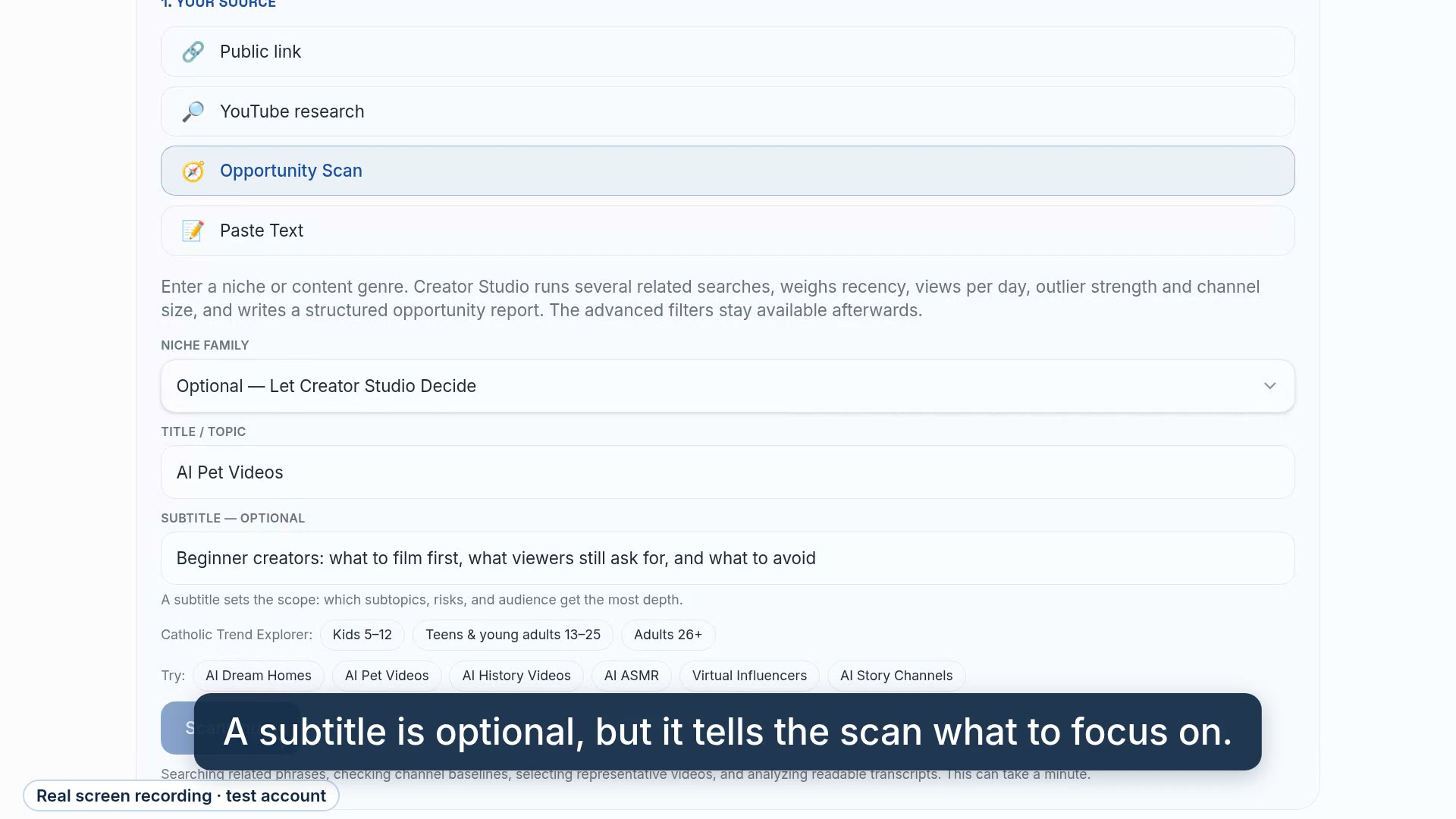
Opportunity Scan walkthrough
Type a topic, such as AI pet videos, and add an optional subtitle. The scan shows what it really observed (recent videos, breakouts, common title words), then its own reading with specific ideas for Shorts and longer videos.
1 min 14 s
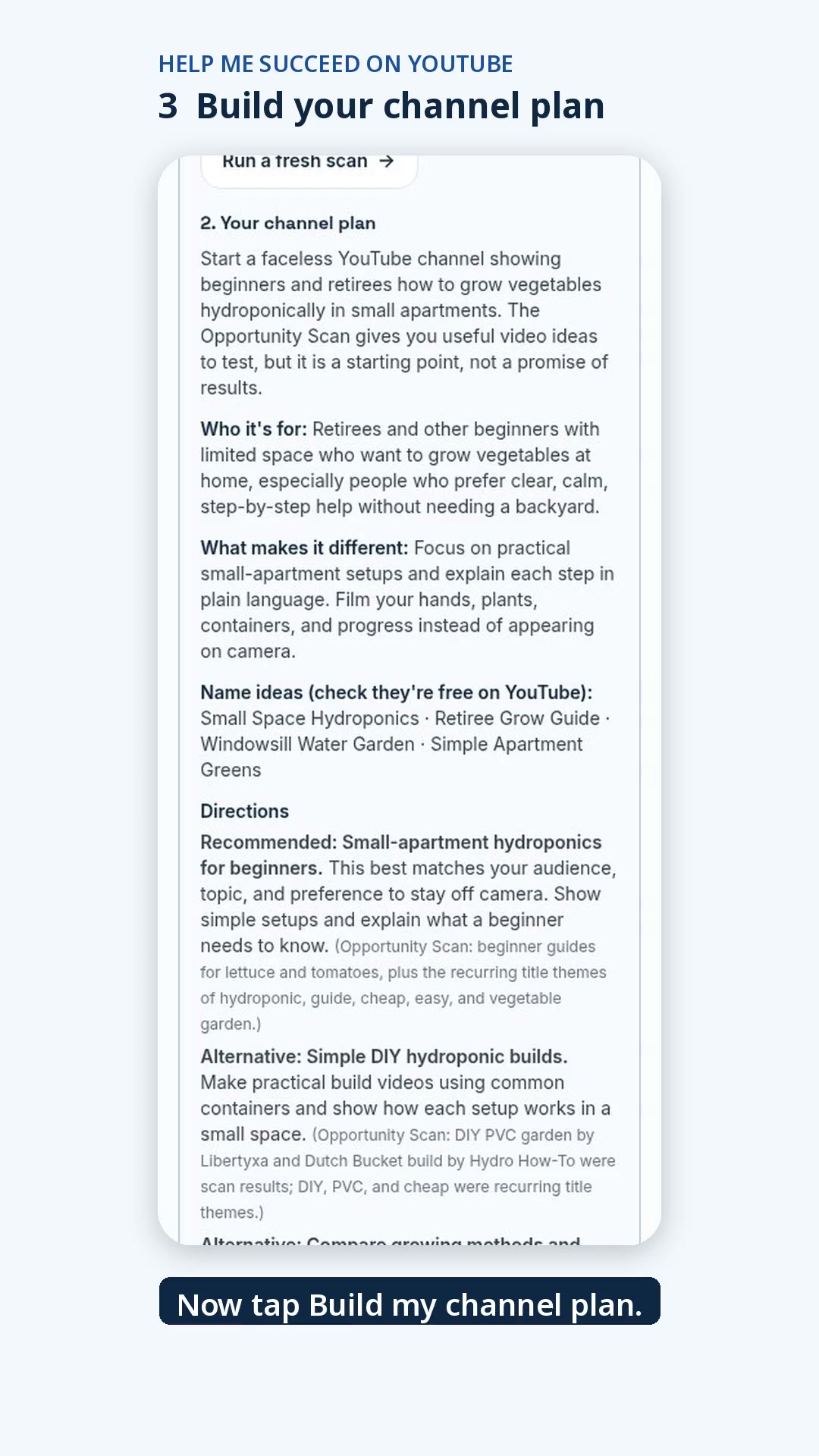
Help Me Succeed on YouTube: from idea to first video
Tell the AI Guide your channel idea, run Opportunity Scan and add it to your plan, build your channel plan, then make a video kit and open it in a studio. Channel Insights reports are saved so you can compare later. Studios and Channel Insights are part of Creative Studio; you upload to YouTube yourself.
1 min 22 s
Profit Planner: a $25 candle example
Say what you sell, then enter your price, how many you hope to sell, what each sale costs you and your monthly costs. In the example, a $25 candle with $19 of costs per sale and $120 a month in other costs breaks even at 20 sales a month. The planner is free, and your sales number is your own guess, never a promise.
1 min 23 s
Create Something
Graphic Arts Studio: make a candle ad
Search the free Pixabay pictures, pick one, choose a look such as Bold Sale, type your headline, price and button words, pick a size, then save and download a picture ready to post. Free pictures and editing use no AI credits.
56 s
Comic Ad Creator: a 3-panel candle comic
Describe your product, pick a style and number of panels, let the AI draft a short story, check and approve the words, then draw the panels (the cost shows before each step) and download your comic ad.
1 min 2 s
Stick-Figure Video: three candle tips
Pick a character and a voice, say what the video is about, let the AI write the scenes, edit them, make the voices, preview for free, then download the MP4 made on your device.
1 min 10 s
Handwriting & Doodle: a thank-you video
Type your words, add a doodle such as a heart, pick a handwriting look, speed and size, preview the pen writing, then save and export an MP4. No AI credits are used.
53 s
Prompt Studio: a 30-second voiceover script
Paste your own product notes, pick a script style and length, and get a timed voiceover script with what to say and what to show. Edit it, save it and export it, for example as a PDF. Picture prompts come from the same notes.
52 s
Podcast Episode Creator: a short episode
Name your episode, add your own notes and pick a length. The AI writes a script in parts you can edit, then makes the voice (the cost shows first). The MP3 is built on your device for free, ready to download.
52 s
Publish & Sell
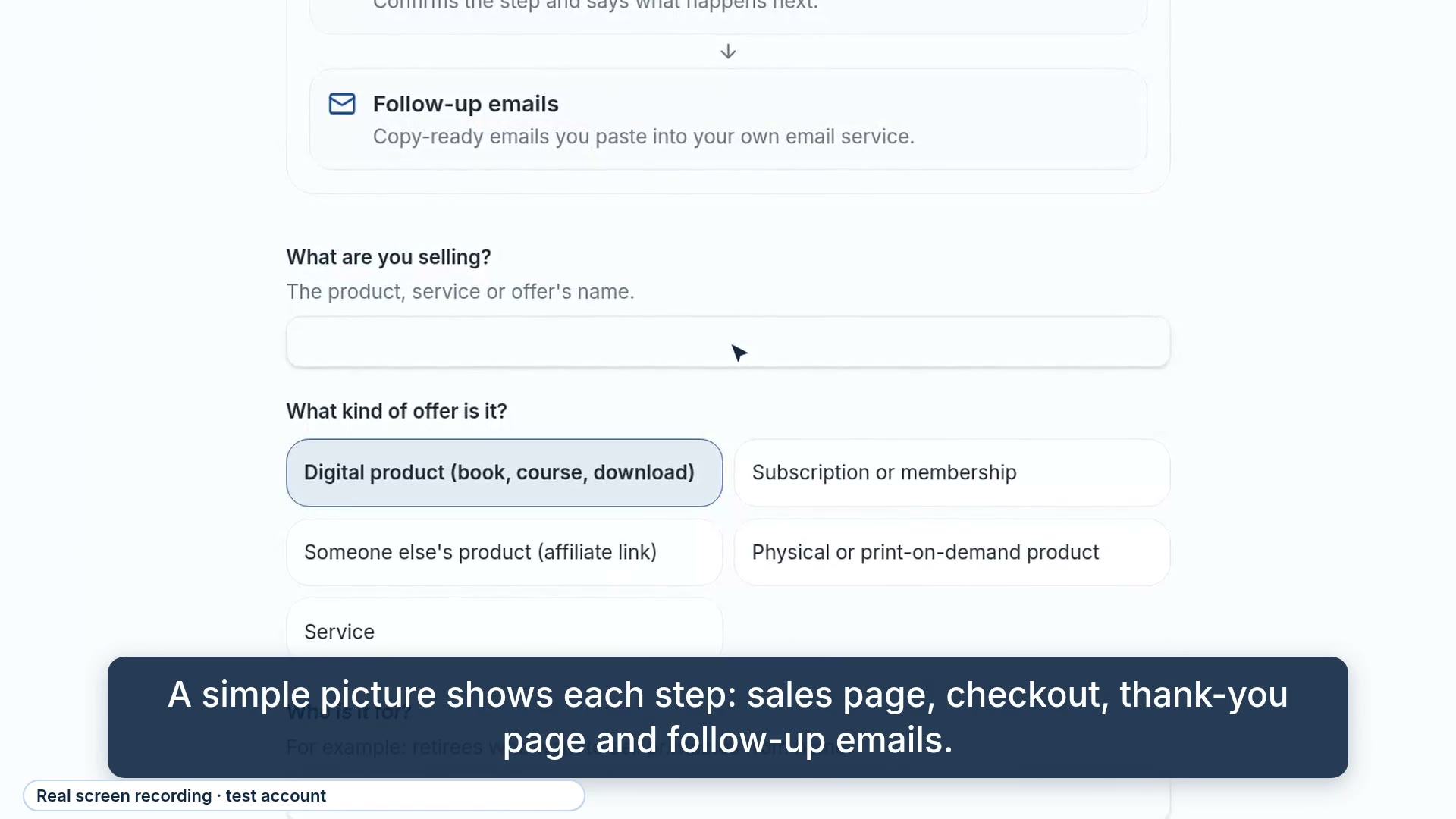
Sales Page & Funnel Builder walkthrough
Pick what you want to sell and answer plain questions about it. The AI writes the sales page, checkout and thank-you pages, and copy-ready follow-up emails, which you can edit word by word.
1 min 30 s
Guided AI Chat: a sign-up page and follow-up emails
Tap Start a conversation, say what you want in your own words and answer one simple question at a time. Choose a short series of pages with follow-up emails, tap Build it, then check your pages and copy the emails. The emails are copy-ready: Decision Atlas AI does not send them, you paste them into your own email service. Part of the Creative Studio plan; nothing goes live until you choose Publish.
1 min 38 s